Introduction
As a Field Effect partner, you have access to several tools, portals, and resources designed to help you deploy, manage, and support your end client organizations. This article provides an overview of the resources available to you and explains how each can be used throughout the customer lifecycle.
Before you begin
Ensure you have received the necessary credentials and permissions from your Field Effect representative. Depending on your role, you may have access to some, or all of the resources described below.
License Management Portal (LMP)
The License Management Portal (LMP) is used to manage your organization's licenses and subscriptions. This is typically one of the first tools used when onboarding a new client.
Use the LMP to:
- View available licenses, and how they are assigned across client organizations.
- Assign licenses to client organizations you manage.
- Purchase additional licenses.
- Track subscription details
To learn more av about the LMP, see:
- License Management Portal: Overview
- Manage LMP Users and Access
- Onboard a New Volume License Customer
- Manage Volume Licenses
MDR Portal
The MDR Portal is your primary management interface for deploying and administering Field Effect MDR environments. Most day-to-day deployment tasks are performed within the MDR Portal.
Use the MDR Portal to:
- Manage client organizations
- Deploy endpoint agents
- Configure MDR features and settings
- Review security incidents through AROs and Insights.
To learn more about the MDR Portal articles:
- Accessing MDR for the First Time
- What Are Your First Steps?
- Deploying the MDR Service (for Partners)
- MDR Portal Setup: Partner-Centric Features
- Partner Playbook: Deploying Field Effect MDR
Partner Portal
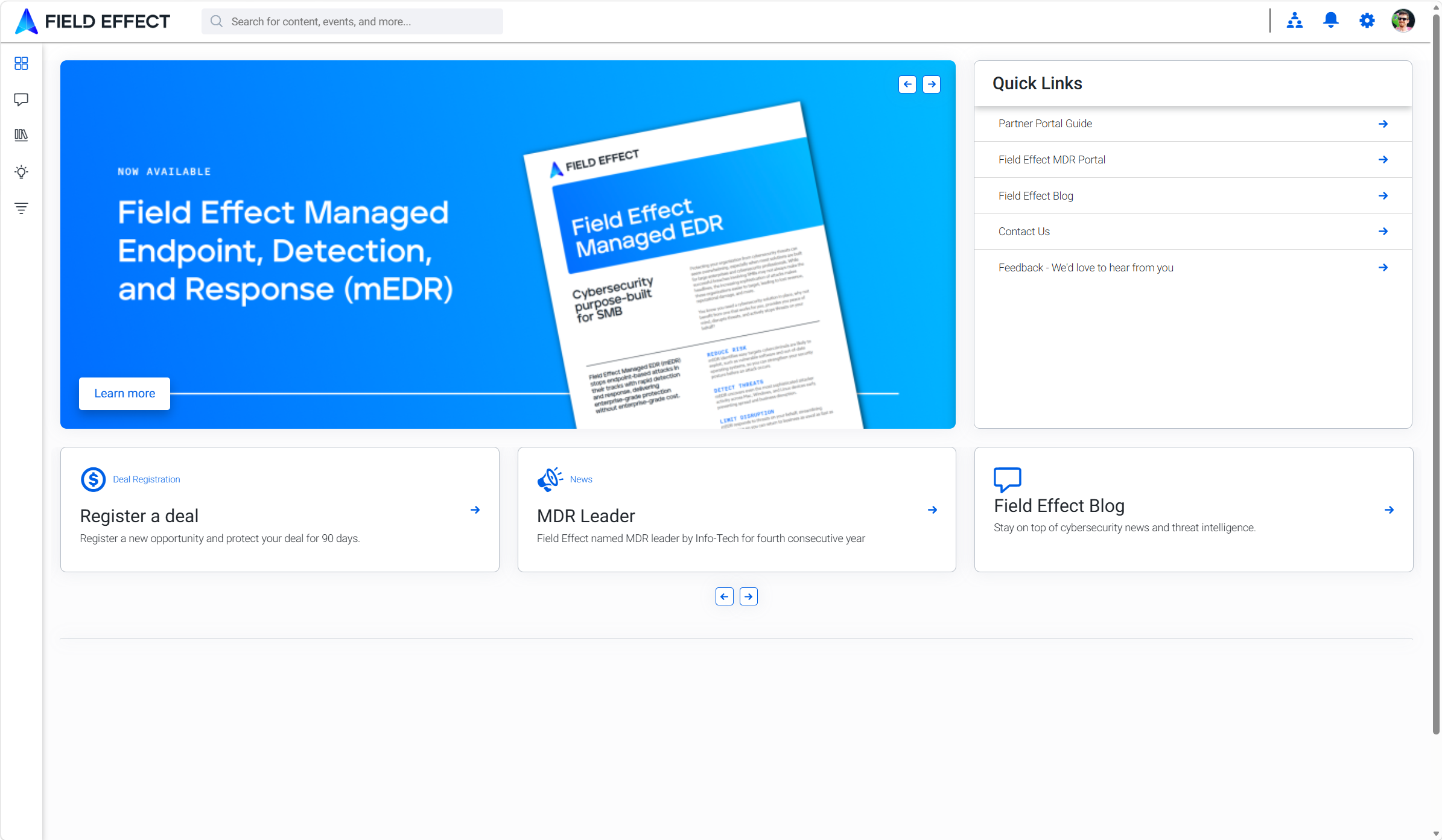
The Partner Portal (https://partners.fieldeffect.com) provides access to partner-specific information, sales resources, and enablement materials. This is your primary location for partner communications and sales enablement resources.
Use the Partner Portal to access:
- Sales collateral
- Marketing materials
- Product information
- Partner announcements
- Program documentation
Was this article helpful?
That’s Great!
Thank you for your feedback
Sorry! We couldn't be helpful
Thank you for your feedback
Feedback sent
We appreciate your effort and will try to fix the article