Introduction
From the Integrations page, you can connect your organization's supported third-party services and solutions with Field Effect MDR for monitoring. Some example integration scenarios include:
I want Field Effect MDR to monitor, and alert on, activity taking place within our organization's Microsoft 365 environment.
Or:
I want to send my FortiGate data to the primary appliance for additional analytic capabilities.
Or
I want to send my Field Effect MDR AROs to our organizations preferred PSA tool; ConnectWise.
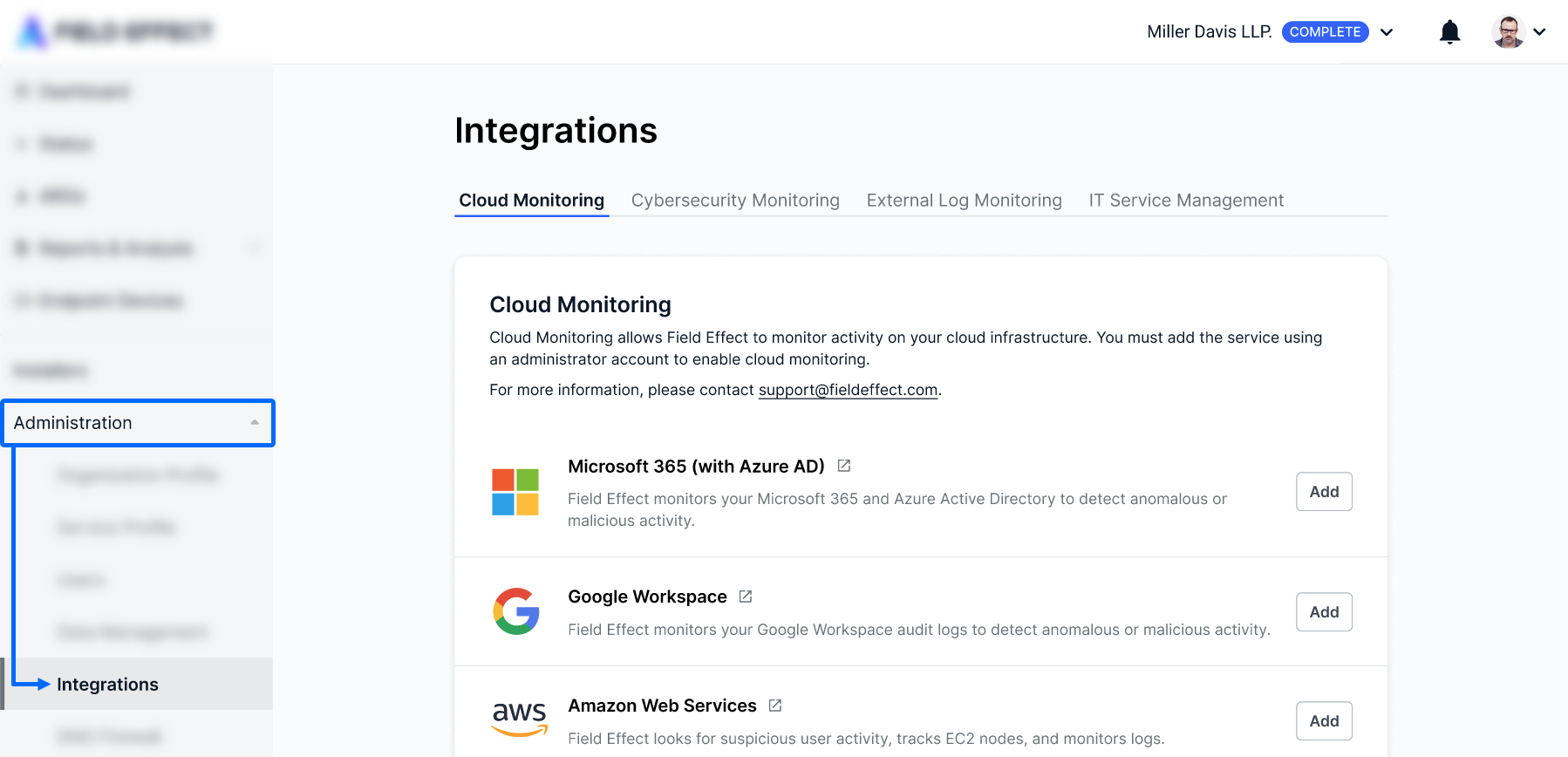
All of these scenarios would be addressed from the Integrations page, shown below:
Integration Tabs
There are tabs along the top of the page that organize our integrations into groups.

The chart below lists out, and provide links to support content, the integrations that belong to each tab.
| Tab | Description | Available Integrations (with links) |
|---|---|---|
| Cloud Monitoring | Field Effect MDR monitors activity on your cloud infrastructure. You must add the service using an administrator account to enable cloud monitoring. | Microsoft 365 |
| Google Workspace | ||
| Amazon Web Services (AWS) | ||
| Box File Storage | ||
| Dropbox | ||
| Duo | ||
| Okta | ||
| Salesforce | ||
| ServiceNow | ||
| Zendesk | ||
| Cybersecurity Monitoring | Field Effect MDR tracks data and alerts from other cybersecurity tools. | Carbon Black |
| Palo Alto Cortex | ||
| Thinkst Canary | ||
| Cisco Meraki | ||
| External Log Monitoring | Field Effect MDR leverages data and detects threats leveraging external sources. | Fortigate |
| SonicWall | ||
| Sophos | ||
| Watchguard | ||
| Zscaler | ||
| IT Service Management | Connect Field Effect MDR AROs to your task management tool to receive, manage, and update AROs within your existing tool. | ConnectWise Manage (direct | partner) |
| Autotask PSA | ||
| HaloPSA |
Was this article helpful?
That’s Great!
Thank you for your feedback
Sorry! We couldn't be helpful
Thank you for your feedback
Feedback sent
We appreciate your effort and will try to fix the article