Introduction
From the Field Effect MDR SIEM Portal (Formerly the Appliance MDR Dashboard) you can view data on your network sensors, at a deeper level of detail than the MDR Portal. While this data is more granular, these dashboards are read-only.
The MDR SIEM Portal can be accessed from all sensor types:
Virtual MDR SIEM: hosted by Field Effect
Physical MDR SIEM: installed into your organization's infrastructure while deploying Field Effect MDR.
Virtual MDR SIEM: hosted within your organization's virtual environment.
This article covers the following topics:
Log into MDR SIEM Portal
The login procedure is slightly different depending on the MDR SIEM type used in your deployment.
Virtual Sensor (Field Effect Hosted)
For this MDR SIEM type, you must:
- Be connecting from a public IP address that has your organization's (or your end client's) endpoint agent installed.
- Be connecting from a public IPs that has been added to your organization's Monitoring Profile.
To access the MDR SIEM Portal for this sensor type:
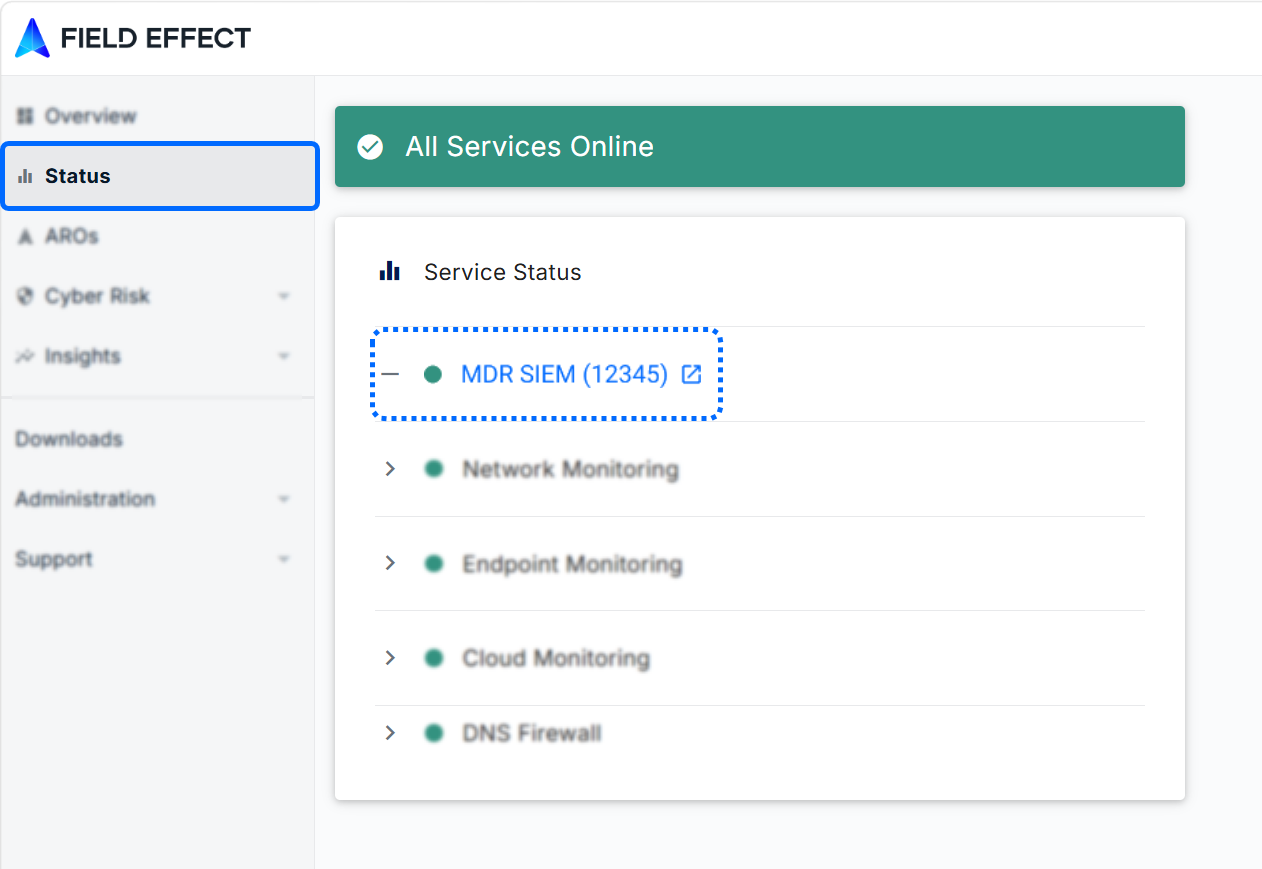
- Log into the MDR Portal.
- Navigate to the Status page and click the MDR SIEM link.
Partners:
You can access end client MDR SIEMs from the Clients page. Select a client in the table to open the details pane and click the MDR SIEM link.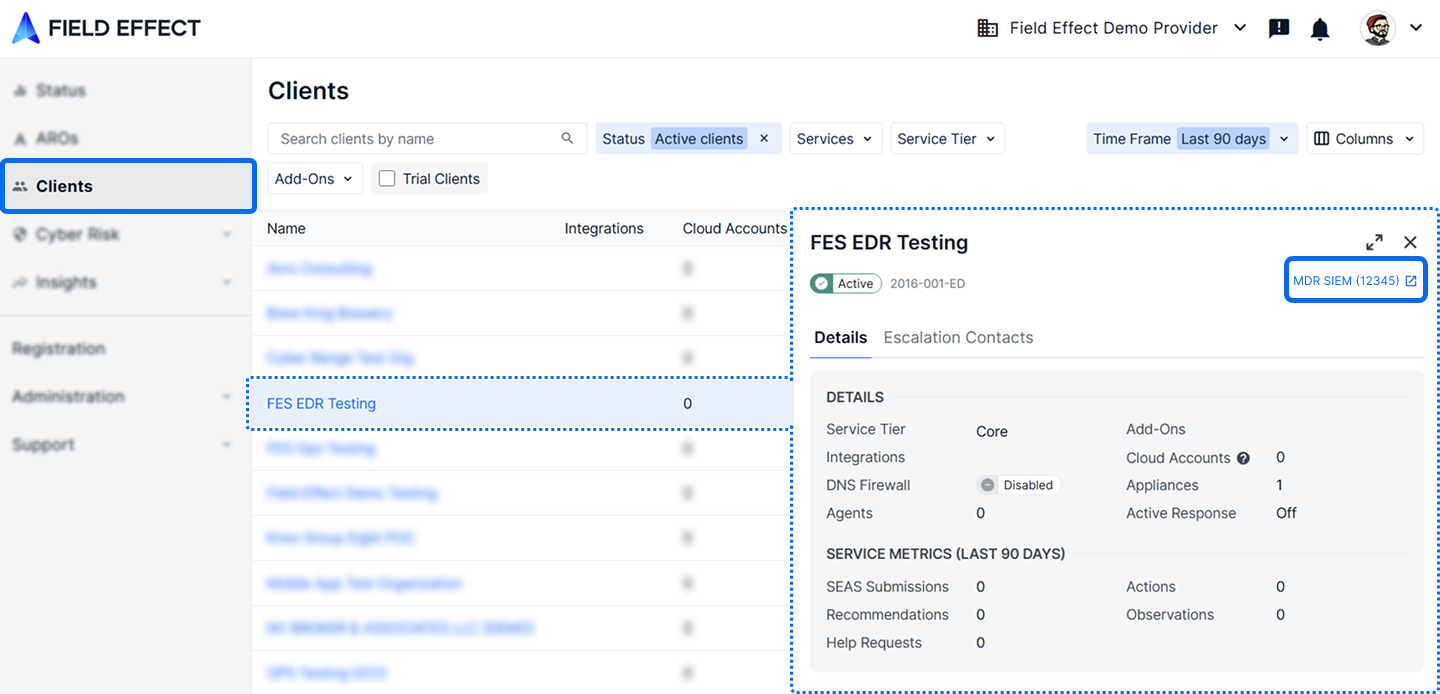
Physical Sensor
For this MDR SIEM type, you must:
- Be connected to the same network as the MDR SIEM. This can be on-site, or through a VPM connection.
Once on the network:
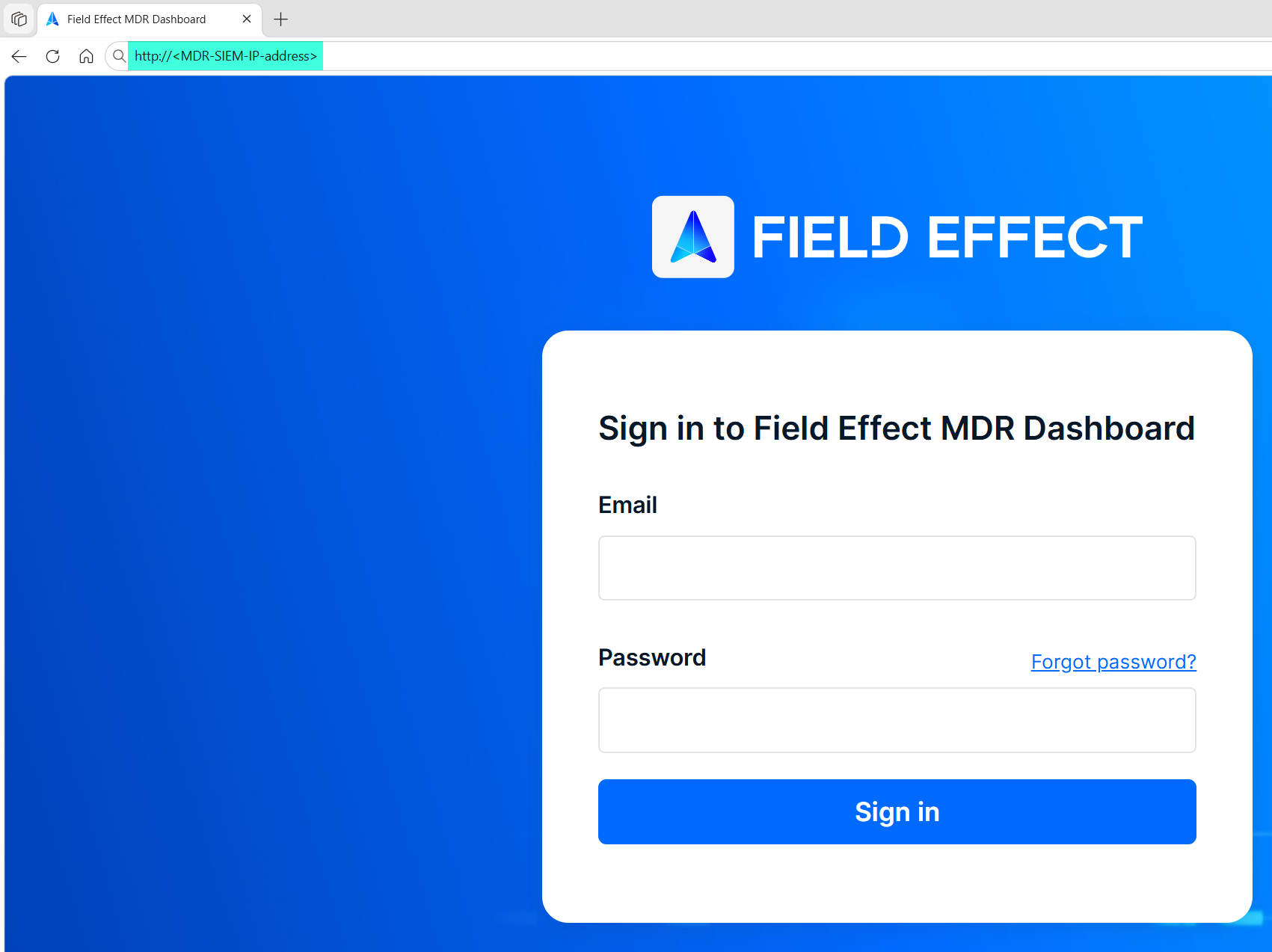
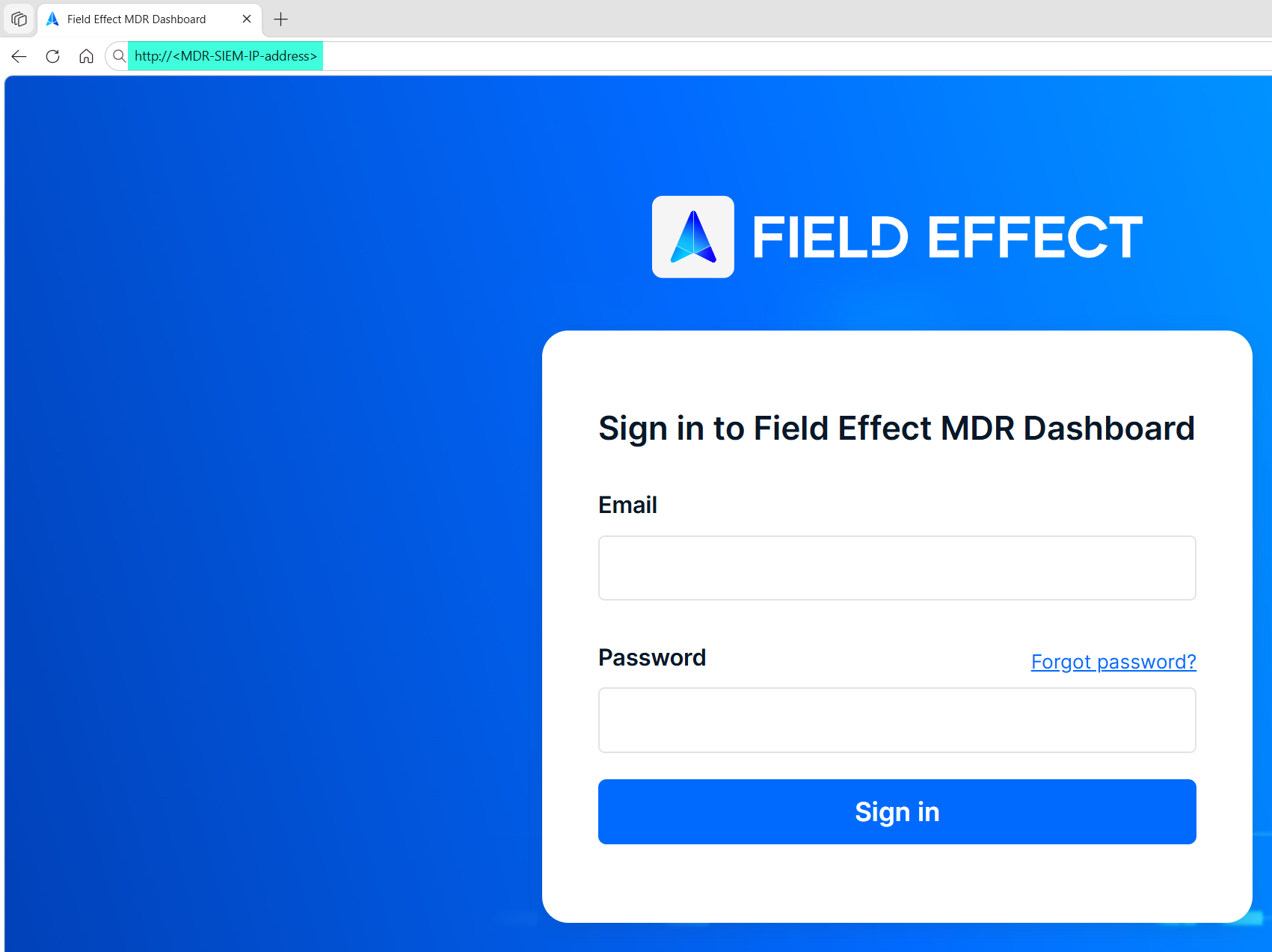
- Navigate to the MDR SIEM's IP address in your internet browser.
- If you are unsure of your sensor’s IP address, contact support@fieldeffect.com.
- Log in using your MDR Portal account credentials.
Virtual Sensor (Self Hosted)
For this MDR SIEM type, you must:
- Be connected to the same network as the MDR SIEM. This can be on-site, or through a VPM connection.
Once on the network:
- Navigate to the MDR SIEM's IP address in your internet browser.
- If you are unsure of your sensor’s IP address, contact support@fieldeffect.com.
- Log in using your MDR Portal account credentials.
Was this article helpful?
That’s Great!
Thank you for your feedback
Sorry! We couldn't be helpful
Thank you for your feedback
Feedback sent
We appreciate your effort and will try to fix the article